User Data Deletion
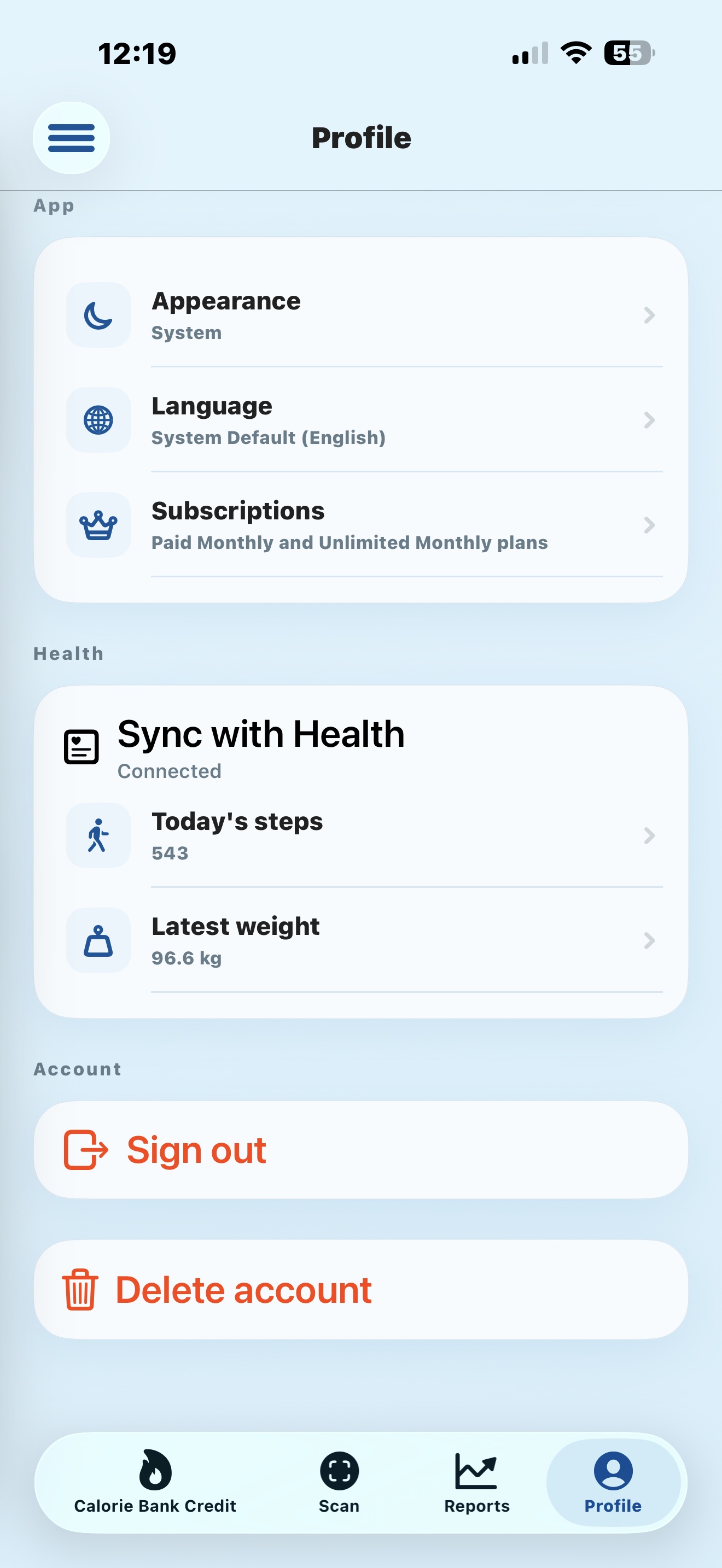
Calorie Bank Credit users can delete their account and account data directly from the Profile page in the mobile app.
- Open the Calorie Bank Credit app on your iPhone.
- Sign in to the account you want to delete.
- Open the Profile tab.
- Scroll to the Account section and tap Delete account.
- Confirm the deletion when the app asks you to continue.
If you cannot access the app, email website@ipcl.tech from your registered account email address and ask us to delete your Calorie Bank Credit account data.