
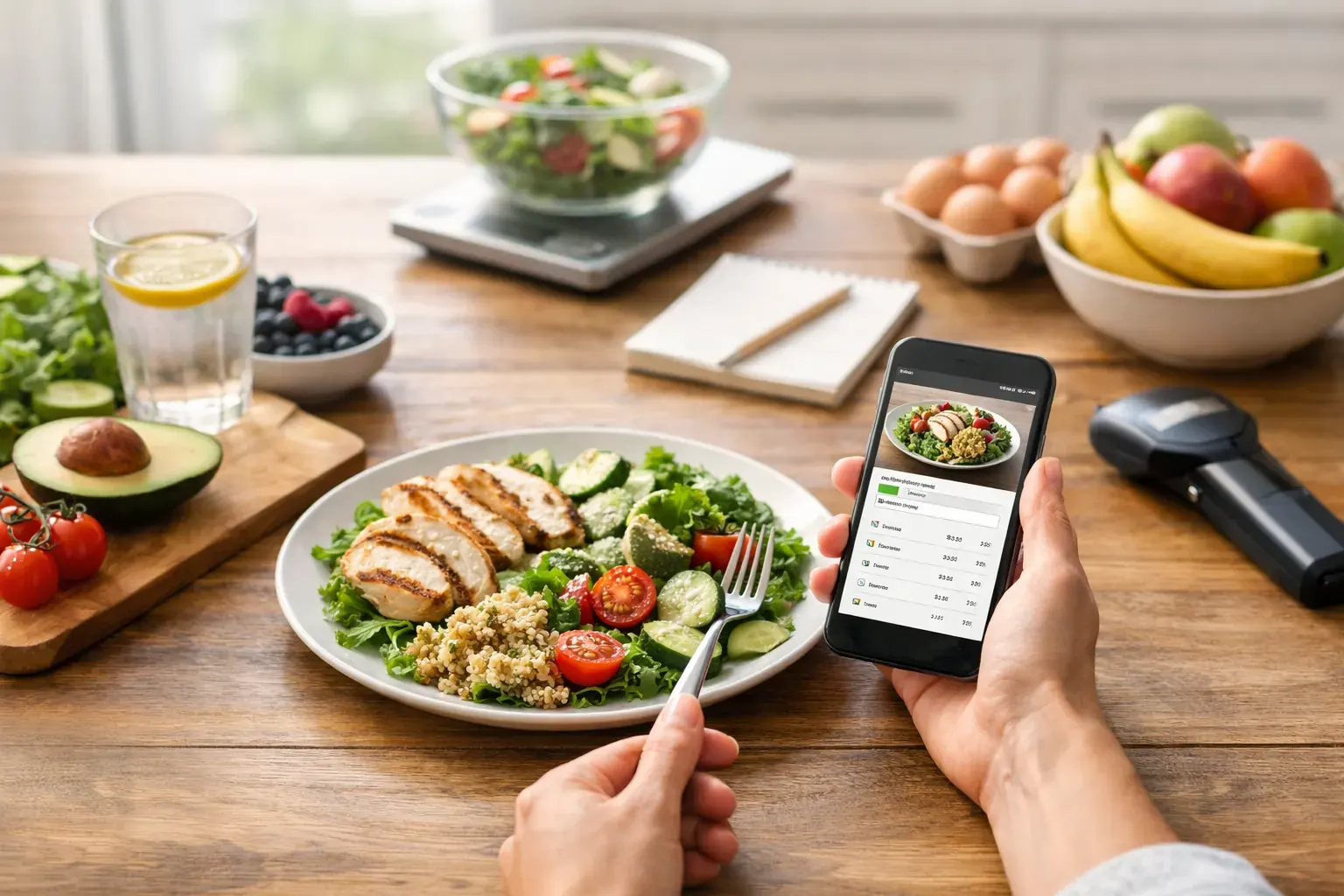
If you have ever logged a homemade lunch ingredient by ingredient while your tea went cold, you already know why an AI calorie tracker comparison matters. The best apps do not just count calories. They reduce admin, help you stay within a sensible daily budget, and make consistency feel manageable on an ordinary Wednesday.
That is the standard worth using when you compare tools. Not which app has the longest feature list, but which one helps you log food quickly, understand your intake clearly, and keep going without turning tracking into a second job.
What actually matters in an AI calorie tracker comparison
Most people do not abandon calorie tracking because they dislike structure. They abandon it because the process is slow, repetitive, and mentally draining. AI can improve that, but only when it solves the right problem.
A useful tracker should make three things easier. First, food entry needs to be fast. That might mean recognising meals from a photo, scanning barcodes, or remembering your regular choices. Secondly, the numbers need to be easy to act on. If your app gives you data but no clear sense of whether you are on track, it is not doing enough. Thirdly, the tool should help with tomorrow as well as today. Tracking alone is helpful, but planning is what turns good intentions into repeatable habits.
That is where many comparisons go wrong. They focus on whether an app can identify a chicken salad from a picture, but ignore whether the user still wants to open the app after two weeks. Accuracy matters, of course. So does usability. If an app is slightly less clever but far easier to use every day, it may deliver better results in practice.
The main types of AI calorie trackers
Not every AI tracker works in the same way, and the differences matter.
Photo-first trackers
These apps are built around snapping meals. You take a picture, the app estimates what is on the plate, and it suggests calories or portions. The obvious benefit is speed. For people who eat out often, grab lunch on the go, or simply cannot be bothered typing in every ingredient, this can feel like a relief.
The trade-off is that photo recognition has limits. It may misread mixed dishes, struggle with sauces, or guess portion sizes poorly. A bowl of pasta can vary massively depending on ingredients and serving size. So photo logging is brilliant for reducing friction, but it still works best when the app lets you quickly adjust what AI gets wrong.
Barcode-led trackers
These are especially useful for packaged foods. Scan the code, log the serving, move on. For anyone whose weekday routine includes supermarket meals, protein yoghurts, cereals, or ready meals, barcode scanning can be more reliable than photo recognition.
The weakness is obvious as well. It only helps when food comes in packaging. The moment you cook from scratch or eat at a café, the convenience drops unless the app offers another quick logging method.
Planning-led trackers
Some apps move beyond logging and help you set up meals in advance. That might mean seven-day meal plans, recipe suggestions based on ingredients, or clearer daily intake targets. This approach suits people who do better with structure than guesswork.
The benefit is control. Instead of reacting to hunger and trying to patch the numbers later, you start the day with a plan. The possible downside is flexibility. If the planning tools feel rigid or idealised, users may ignore them. Good planning features should support real life, not pretend every dinner is home-cooked and perfectly measured.
How to compare AI calorie trackers properly
A fair AI calorie tracker comparison is less about finding the most advanced technology and more about matching the tool to your routine.
If you are busy and tend to eat similar breakfasts and lunches, speed is probably your top priority. In that case, look for strong barcode scanning, quick meal recognition, and low-friction logging. If your biggest issue is evening overeating, a tracker with a budget-style daily allowance can be more useful than a dense nutrition dashboard because it tells you what you have left to work with.
If you often cook at home, recipe support matters more. An app that can generate meal ideas from ingredients you already have can reduce decision fatigue. That is not just a convenience feature. It can stop the familiar pattern of having no plan, getting hungry, and spending half your daily intake on a last-minute takeaway.
If accountability keeps you consistent, reporting tools are worth attention. Calendar views, trend tracking, and exportable reports give you a clearer record of what is happening over time. That can be useful for personal review, and for some users it is helpful when discussing progress with a coach, trainer, or healthcare professional.
Features that make a real difference
The most valuable AI features are often the least flashy.
A good camera log saves time, but a better correction flow saves adherence. If AI identifies a meal incorrectly, you should be able to fix it in seconds. If changing the portion size takes six taps and a search bar, the feature loses its value quickly.
A clear daily budget is another practical advantage. Many people understand spending better than abstract nutrition targets. When calorie intake is framed as a daily allowance, the decision becomes simpler. You can see what you have used, what you have left, and whether a particular snack fits. That is easier to follow than staring at a long list of macros with no obvious next move.
Meal planning also tends to be underrated. The easiest calories to manage are the ones you planned before you got hungry. One-tap weekly plans and ingredient-based recipe generation can help users build a realistic deficit without trying to improvise every meal.
History matters too. A calendar-based log is not glamorous, but it helps you spot patterns. Maybe Fridays are where your intake climbs. Maybe work-from-home days are easier than commuting days. Progress is easier to improve when you can actually see your habits.
Where AI calorie trackers still fall short
No app, however polished, removes the need for judgement.
AI can speed up logging, but it cannot always know how much oil was used in cooking, how large a restaurant portion really was, or whether your "small handful" of crisps was actually three servings. People looking for perfect precision will be disappointed. The better mindset is to aim for consistent, useful accuracy.
There is also the question of cognitive load. Some apps promise simplicity but still bury you in charts, scores, reminders, and nutritional detail you did not ask for. More information is not always more helpful. For many users, the right app is the one that helps them make the next sensible decision, not the one that produces the most data.
This is especially true for beginners or anyone returning to tracking after a bad experience with strict dieting. If the tool feels judgemental, fiddly, or overly technical, adherence usually drops. Encouragement and clarity beat complexity.
What the best option looks like for most people
For most adults trying to lose weight or manage intake steadily, the strongest option is not the app with the cleverest AI in isolation. It is the one that combines quick capture, clear budgeting, practical planning, and visible progress.
That combination tends to work because it supports the full cycle. You log food quickly, understand your position instantly, plan the next meals with less guesswork, and review your week without manually stitching everything together. It feels less like dieting and more like managing a system.
That is why finance-style framing can be so effective. A calorie budget is intuitive. You know what you can spend, where you overspent, and how to make a better choice next time without labelling the day a failure. For users who have bounced off traditional calorie counters, that shift can make daily tracking feel calmer and more sustainable. Calorie Bank Credit leans into this well by combining AI food logging with a credit-style budget, meal planning, and sharable PDF reporting in a way that feels built for ordinary routines rather than perfection.
Choosing the right tracker for your routine
If you want the simplest way to choose, start with one question: what usually causes you to fall off track?
If it is time, prioritise photo logging and barcode scanning. If it is uncertainty, choose a tracker with a clear daily budget. If it is lack of planning, look for built-in weekly plans and recipe support. If it is motivation, choose one with progress history that makes your efforts visible.
The best app is the one you will still use when life is messy, lunch is late, and dinner is not particularly photogenic. That is the real test. Pick the tool that lowers friction, keeps the numbers easy to understand, and helps you build a sustainable deficit without turning food tracking into a chore.
Small daily control beats perfect logging every time.