
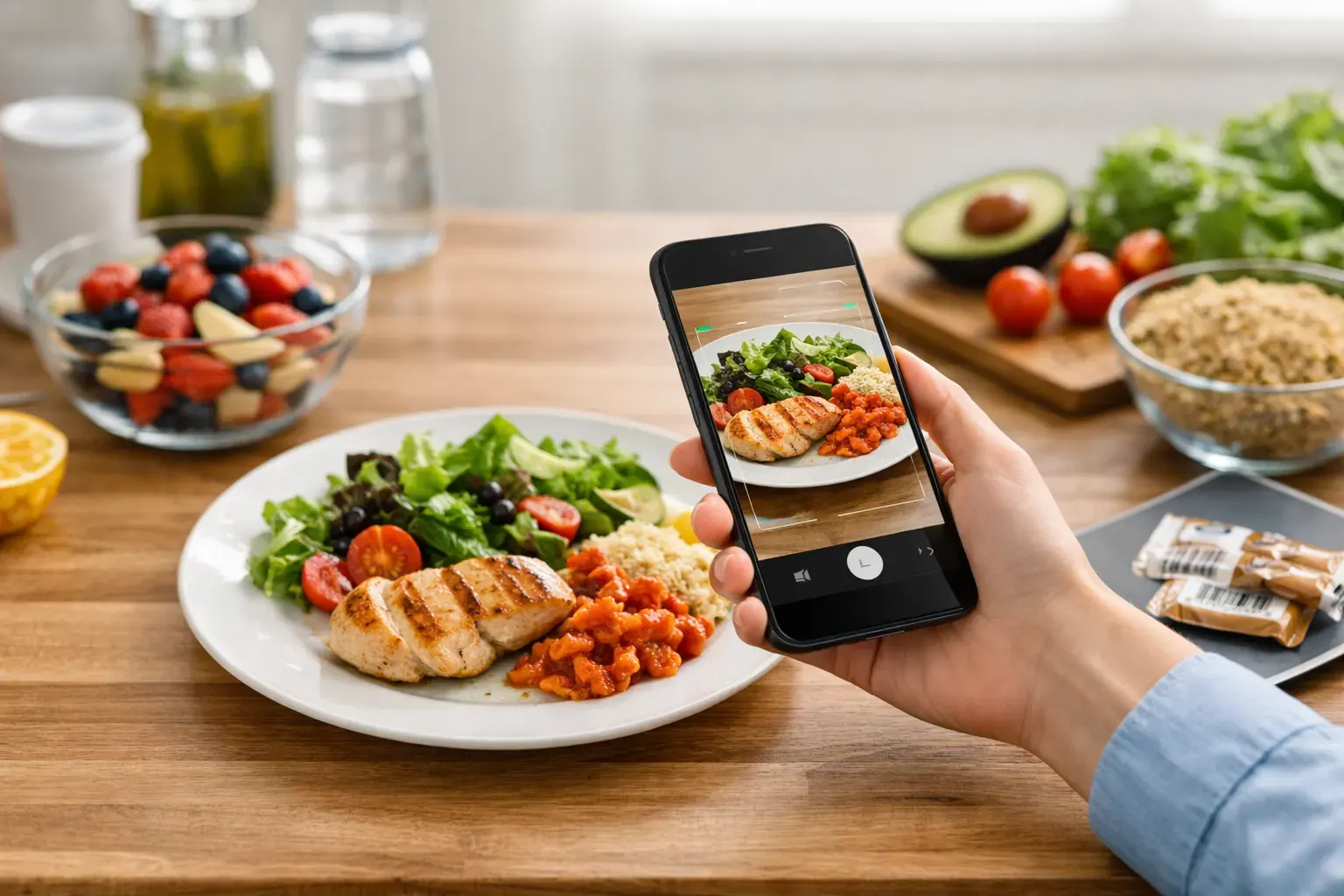
You do not need another food diary that turns lunch into admin. The best ai food scanners cut out the slow part: typing ingredients, guessing portions and trying to remember what you ate three meals ago. If your goal is a steady calorie deficit you can actually stick to, speed matters more than novelty.
That is why AI food scanning has become useful rather than just flashy. A quick photo can give you a starting point for calories and macros, while barcode scanning handles the packaged side of everyday eating. The catch is that not every app gets the balance right. Some are clever at recognition but weak at planning. Others log food well but make the whole process feel like hard work.
What makes the best ai food scanners actually useful?
For most people, the winning app is not the one with the most futuristic demo. It is the one you will still use on a busy Wednesday when breakfast was rushed, lunch came from a meal deal and dinner was whatever was easiest. A good scanner needs to reduce friction, not add another layer of checking.
Accuracy matters, but so does workflow. AI can identify a bowl of pasta, but if you then have to edit five fields, search for ingredients manually and confirm serving sizes from scratch, the time saving disappears. The best tools give you a fast estimate, let you correct it quickly and keep your history organised so logging gets easier over time.
It also depends on how you eat. If you rely on supermarket staples, barcode scanning may matter as much as photo recognition. If you cook at home, ingredient recognition and recipe support become more valuable. And if your main challenge is consistency, a built-in plan can be more helpful than perfect nutrition analysis.
7 best ai food scanners to consider
1. Calorie Bank Credit
If you want scanning to fit into a simple daily system, this is one of the strongest options for iPhone users. It combines AI food photo recognition with barcode scanning, but the real advantage is how it frames everything as a calorie budget. Instead of treating tracking like punishment, it helps you see intake as daily spending against a clear target.
That approach sounds simple because it is. You snap meals, scan packaged foods, and keep moving. The app also adds one-tap 7-day diet plans, ingredient-based recipe generation, calendar food history and PDF exports, which makes it more than a scanner. It is a practical tool for people who want structure without obsessing over every gram.
2. MyFitnessPal
This is still one of the most familiar names in food logging, and that matters. Large databases can make barcode scanning more dependable, especially for branded foods sold in mainstream shops. Its photo logging features have improved, and it remains a strong all-rounder if you want broad food coverage.
The trade-off is that it can feel busy. For some users, the sheer number of features and prompts creates more friction than motivation. If you like detail, that may suit you. If you want a cleaner, faster routine, it can feel heavier than necessary.
3. Lose It!
Lose It! tends to appeal to people who want calorie tracking with a simpler, more consumer-friendly feel. Its image recognition and logging tools are designed around ease, and the interface is generally straightforward. That makes it a decent fit for beginners who want to build consistency without learning a complicated system.
Where it can fall short is meal planning depth. If your biggest struggle is deciding what to eat before you are hungry, logging alone may not solve the problem. It is strong on tracking, but less focused on turning that tracking into a planned week.
4. Lifesum
Lifesum leans more into guided healthy eating than pure calorie accounting. The scanner and food logging tools are useful, and many people like the cleaner visual design. It can feel more lifestyle-focused than some traditional calorie apps, which suits users who want support without a very clinical feel.
Still, that style is not always the same as control. If you are trying to run a precise calorie deficit, you may want more direct budget-style feedback. Lifesum can be motivating, but it sometimes prioritises experience over tight day-to-day accountability.
5. Yazio
Yazio is often chosen by people who want a modern app with decent logging tools and macro visibility. Its scanner support is solid, and the app is usually easy to navigate. For users who like checking both calories and protein without too much complexity, it sits in a sensible middle ground.
The limitation is that AI recognition may not always be the main reason to choose it. It is a good tracker first, rather than the most advanced food scanner in the category. That is not a flaw if you value reliability over gimmicks, but it is worth knowing what you are really paying for.
6. SnapCalorie
SnapCalorie is more focused on the photo-recognition side of AI food logging. If your habits involve lots of homemade meals, mixed plates or unlabelled foods, that can be appealing. Take a picture, get an estimate and move on. In principle, that is exactly what busy users want.
The challenge is that visual recognition still has limits. Sauces, oils and portion sizes are where many apps start to wobble. So while photo-first scanning can save time, it works best when you are happy to treat results as a strong estimate rather than a final answer.
7. Foodvisor
Foodvisor is another app built around taking photos of meals and getting instant nutritional feedback. It is often praised for making food logging feel less manual, which is useful if you tend to stop tracking the moment it becomes tedious. The app also pushes coaching and healthier choices alongside logging.
That can be helpful, but some users just want a practical daily system. If an app talks a lot about wellness but does not give you tight enough control over your numbers, motivation can fade. The best scanner is the one that helps you act, not just observe.
How to choose the best AI food scanner for your routine
Start with the point where you usually fall off. If manual entry annoys you, choose an app with strong photo logging. If most of your meals come from packaged foods, prioritise barcode scanning and database quality. If you track for three days and then stop, look for planning tools and a clearer daily framework.
It is also worth checking how much correction the app expects from you. AI is helpful, but it is not magic. A scanner should get you close quickly and let you adjust portions without hassle. If every meal turns into a quality-control exercise, the system will not last.
Device fit matters as well. Some apps feel better optimised for iPhone than others, and that affects how often you use them. Fast camera access, clean editing screens and easy calendar history all make a difference when you are logging in real life rather than testing features for five minutes.
What AI food scanners still get wrong
There is a reason smart users stay slightly sceptical. Mixed meals are hard. Restaurant portions are hard. Anything hidden under cheese, dressing or sauce is hard. Even the best AI food scanners can misread volume, ingredients or preparation method.
That does not make them useless. It just means you should treat them as tools for better consistency, not perfect measurement. If your app gets you logging quickly, keeps you aware of your intake and helps you stay within budget most days, it is doing its job.
The bigger mistake is expecting precision while ignoring behaviour. Weight management usually improves because you track more often, notice patterns sooner and make calmer decisions. A good scanner supports that. A bad one makes you quit by Thursday.
The best ai food scanners are the ones you keep using
There is no single winner for everyone. Some people need the biggest database. Others need fast photo recognition. Many need a system that turns calorie tracking into something simpler and more manageable than traditional dieting.
That is the real test. Not whether the app can identify quinoa from a blurry photo, but whether it helps you stay consistent when life is busy. Choose the scanner that makes logging feel light, gives you a clear daily target and helps you keep your calorie spending under control without turning food into a full-time job.