
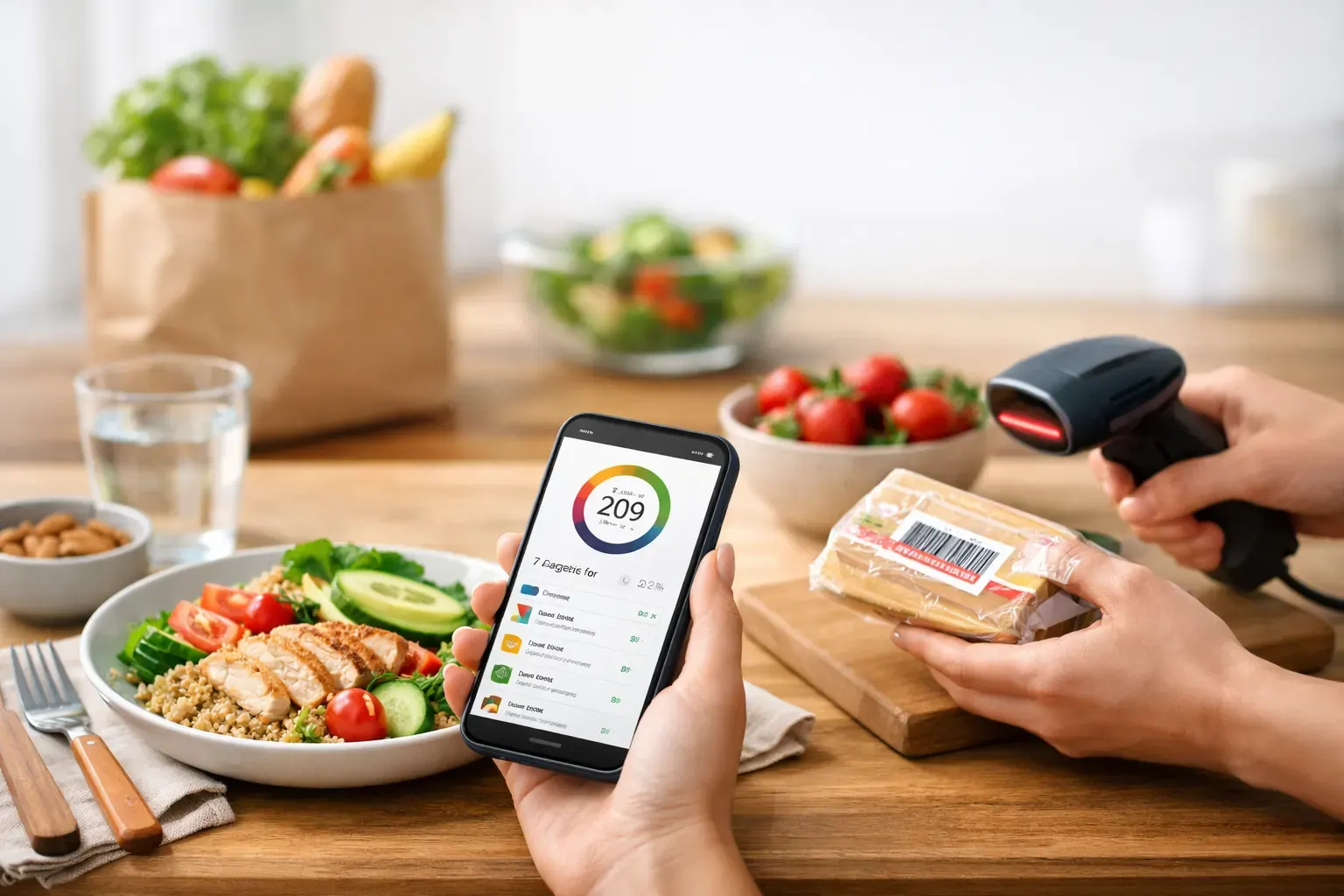
Most people do not quit a calorie deficit because the maths is hard. They quit because the process gets annoying. Too many taps, too much manual logging, not enough clarity on what is left for the day. That is why the best apps for calorie deficit are not just accurate. They make the job feel lighter, faster and easier to repeat.
If your goal is fat loss, consistency matters more than perfection. A useful app should help you log meals quickly, spot where your calories are going and make better choices without turning every lunch into admin. Some people want deep nutrition data. Others just want to snap a meal, scan a barcode and keep moving. The right app depends on how you like to manage your daily budget.
What makes the best apps for calorie deficit work
A calorie deficit app only helps if you will actually use it on a busy Tuesday. That usually means fast logging, a clear daily target and enough planning support to stop guesswork before it starts. If an app makes every entry feel like paperwork, adherence drops.
The strongest options tend to do three things well. First, they reduce friction with tools like barcode scanning, saved meals or photo logging. Second, they translate your target into something practical, so you know what you can eat rather than just what to avoid. Third, they show progress in a way that keeps you honest without being punitive.
There is also a trade-off to keep in mind. The more detailed the app, the more time it may demand. For some users, detailed macro tracking is motivating. For others, it is exactly why they stop after a week.
1. Calorie Bank Credit
If you like structure but dislike diet culture, this is one of the most practical options available for iPhone users. Calorie Bank Credit frames your daily intake as a calorie budget, which makes a deficit easier to understand at a glance. Instead of feeling like you are constantly subtracting from yourself, you are managing a spend plan for the day.
That shift sounds simple, but it changes behaviour. Budgeting language feels familiar and concrete. You can see what is left, decide how to use it and adjust without guilt. For many people, that is easier to stick with than traditional calorie counters that feel heavy on rules and light on guidance.
The app is especially strong on speed. You can snap meals, use AI food photo recognition, scan barcodes for packaged foods and generate a 7-day diet plan with minimal effort. Ingredient-based recipe generation is useful when you have food in the fridge but no plan, and the calendar-style history gives you a clean view of how your week is stacking up. Exportable PDF reports are a smart extra if you like reviewing progress or sharing data with a coach.
The trade-off is that it is built around simplicity and daily control rather than endless nutrition complexity. If that is what you want, it is a strength, not a limitation.
2. MyFitnessPal
MyFitnessPal remains one of the biggest names in calorie tracking, largely because its food database is extensive and familiar. If you eat a mix of supermarket foods, chain restaurant meals and standard packaged products, there is a good chance you will find what you need quickly.
It suits users who want broad coverage and plenty of tracking detail. You can monitor calories, macros and exercise, and over time it can become a fairly complete record of your intake. For experienced dieters, that depth can be useful.
The downside is that more features can mean more noise. Some people find the interface busy, and beginners may feel pulled into data they do not really need. If your main goal is a manageable deficit rather than full nutrition analysis, it can feel like more app than necessary.
3. Lose It!
Lose It! is often a good middle ground between simplicity and structure. The setup is straightforward, the design is approachable and the app does a decent job of keeping the focus on calorie targets without overwhelming you.
It works well for people who want an easy daily rhythm. Logging is generally quick, and the app gives enough feedback to keep you aware of where you stand. That makes it a solid fit for anyone who has bounced off more complex platforms in the past.
Where it can fall short is long-term customisation. If you like very specific planning tools or want more support turning your target into actual meals, you may end up doing some of that work yourself.
4. Cronometer
Cronometer is for the detail-oriented user. If you care about micronutrients, precise data and a more analytical view of your food intake, it stands out. It is particularly useful for people with performance goals, dietary restrictions or a strong interest in nutrition quality as well as calories.
For a calorie deficit, that level of precision can be a real advantage. It helps you avoid the trap of eating fewer calories while letting food quality slide too far. You get a clearer picture of protein, fibre and nutrients that support satiety and recovery.
The obvious trade-off is effort. Cronometer is not usually the first recommendation for someone who wants the fastest possible logging experience. It is excellent if detail keeps you engaged, but less ideal if detail tends to slow you down.
5. Lifesum
Lifesum leans more into meal guidance and lifestyle support, which can appeal if you want ideas as much as tracking. The interface is polished and the app often feels less clinical than some of the more data-heavy alternatives.
That makes it useful for users who do better with gentle structure. If you find pure tracking a bit dry, Lifesum can make the process feel more supportive. It also suits people who want a broader healthy eating framework around their deficit.
Still, the softer style will not suit everyone. If you prefer a hard-numbers approach and fast operational control, it may feel a touch less direct than the best efficiency-first apps.
6. Nutracheck
For UK users in particular, Nutracheck has a practical advantage. Its database and food references often feel more tailored to British supermarket shopping and eating habits, which can make logging simpler and more accurate.
That local relevance matters more than people expect. If your app regularly makes you work around missing products or awkward entries, you lose time and patience. Nutracheck reduces some of that friction for people whose routine is built around UK brands and common meals.
Its style is fairly straightforward, which many users appreciate. It may not feel especially innovative, but it often gets the basics right. For calorie deficit success, that counts for a lot.
7. Yazio
Yazio is a clean, modern option that balances calorie tracking with meal ideas and habit support. It tends to appeal to users who want something visually tidy and easy to navigate.
For beginners, that matters. A clear interface lowers the barrier to daily use, and daily use is what drives results. If an app feels pleasant and understandable, you are more likely to keep opening it.
The main question is whether its feature set matches your routine. It is a good all-rounder, but some users will still prefer a more specialised app depending on whether they value speed, data depth or planning support most.
How to choose the right calorie deficit app
The best app is the one that fits your behaviour, not the one with the longest feature list. If you eat a lot of packaged food, barcode scanning matters. If you cook at home but hate manual entry, photo logging and recipe tools matter more. If your biggest problem is drifting off-plan by Thursday, a 7-day planner may do more for you than another graph.
It is worth being honest about your friction points. Do you stop tracking because it takes too long? Because you are not sure what to eat? Because you feel judged when you go over target? Different apps solve different problems.
Best apps for calorie deficit by user type
If you want the fastest, least fussy experience, look for apps built around speed and clarity. If you want accountability with a familiar budget mindset, Calorie Bank Credit is particularly strong. If you want the deepest food database, MyFitnessPal still has appeal. If precision motivates you, Cronometer will likely suit you better.
For UK shoppers, Nutracheck has a practical edge. For users who want a softer, lifestyle-led experience, Lifesum or Yazio may feel more natural. And if you want a balanced starting point, Lose It! is often easy to adopt.
A good calorie deficit app should reduce decision fatigue, not add to it. The less time you spend wrestling with the tool, the more energy you can put into the habits that actually move the scale. Pick the one that makes it easiest to log honestly, plan simply and keep going when life gets busy. That is usually where sustainable progress starts.