
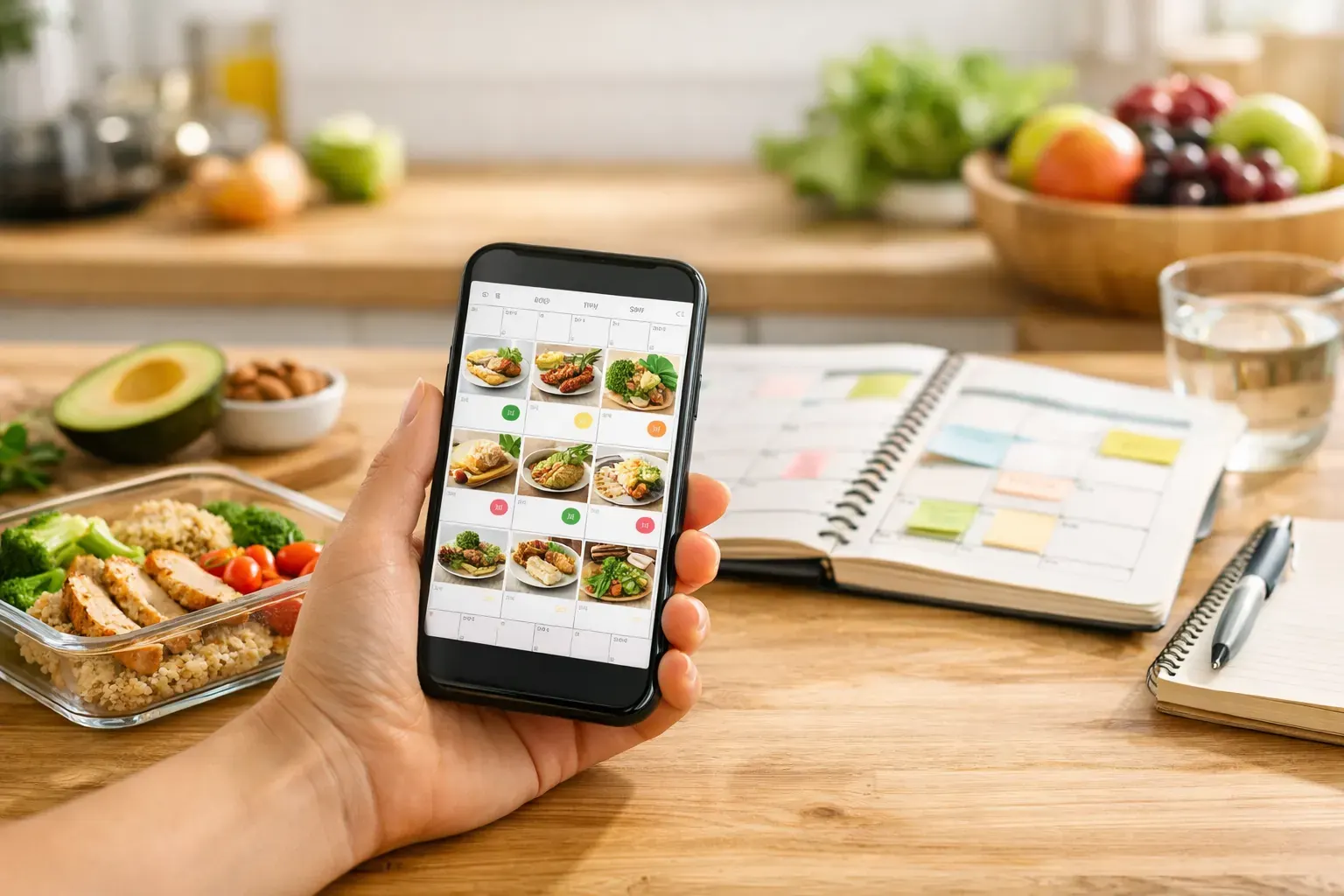
Some days go off track by 3 pm, not because you are lazy or unmotivated, but because lunch was guessed, snacks were forgotten, and dinner was decided when you were already starving. A calendar food diary app fixes that in a practical way. It shows what you ate, when you ate it, and how those choices added up across the week, so you can manage your intake with more clarity and less friction.
That matters because most people do not fail at weight management through lack of effort. They fail because tracking becomes tedious, meal decisions pile up, and progress feels too vague to trust. When food logging lives inside a calendar view, the pattern becomes easier to read. One high-calorie takeaway does not feel like a moral disaster. It looks like one entry in a wider week, which is exactly how sustainable progress should be judged.
What makes a calendar food diary app different
A standard food tracker often feels like an endless ledger. You search for foods, enter portions, and hope the numbers mean something by the end of the day. A calendar food diary app adds structure. Instead of seeing isolated meal logs, you see them in sequence across days and weeks.
That small shift changes behaviour. It turns calorie tracking from a repetitive task into a visible routine. You can spot the late-night snack pattern, the weekend overspend, or the weekday lunch that keeps you satisfied without blowing your target. In other words, the app does not just collect data. It helps you read your own habits.
For busy people, that is the difference between using an app for three days and using it for three months. If the system is easy to review, you are more likely to stay consistent.
Why the calendar view improves adherence
Most people do better with a system that feels familiar. A calendar already has meaning in daily life. You use it to plan meetings, social events, gym sessions, and school runs. Applying the same format to meals makes food tracking feel less clinical and more manageable.
There is also a psychological benefit. A calendar gives every day its own box. If Tuesday was heavier than planned, that does not automatically ruin Wednesday. You can reset quickly because the next day is clearly separated. That sounds simple, but it helps stop the all-or-nothing thinking that often derails calorie goals.
This is where a budgeting model makes real sense. If calories are treated like a daily spending allowance, the calendar becomes your running statement. You can see where you stayed on budget, where you overspent, and where you brought things back into balance. That is easier to understand than vague advice about eating clean or being good.
The best calendar food diary app features to look for
Not every tracker with a calendar tab is genuinely useful. The best ones reduce effort at the point of logging and make review easy afterwards.
Fast input should come first. If logging a meal takes too long, most people stop doing it. Photo recognition helps because snapping your meal is quicker than searching for every ingredient manually. Barcode scanning matters too, especially for supermarket foods, protein yoghurts, meal deals, and packaged snacks that would otherwise be annoying to enter.
Planning tools are just as important as tracking tools. If your app can generate a seven-day meal plan or suggest recipes from ingredients you already have, it cuts down the daily decision load. That is useful when your goal is not just to record what happened, but to avoid the usual moments where convenience wins and the calorie total climbs.
A strong food history is another sign of a good app. You should be able to look back over the week and understand it in seconds. Exportable reports can help too, especially if you want a clearer record for your own accountability or to share progress with a coach or clinician.
Calendar food diary app use cases in real life
The value of this kind of app shows up in ordinary situations, not perfect ones. If you are working long hours, you need something that lets you log breakfast in seconds, scan a ready meal at lunch, and check your remaining calorie budget before deciding on dinner. A slow app loses that battle immediately.
If you are trying to lose weight without becoming obsessive, the calendar view also helps keep perspective. You can enjoy a meal out on Saturday, log it, and still see that the rest of the week was balanced. That is far more useful than treating one bigger meal as proof that the plan has failed.
For beginners, the biggest win is often visibility. Many people underestimate how much small extras add up - biscuits with tea, bites while cooking, drinks that feel harmless. When those moments appear on the calendar, the pattern becomes concrete. Once you can see it, you can manage it.
For more experienced dieters, the advantage is speed and control. You already know the basics. What you need is an efficient system that helps you stay in a sustainable deficit without turning every meal into admin.
Tracking is helpful, but planning is what keeps you on budget
Food diaries are useful for hindsight. Meal planning is what protects tomorrow.
The strongest apps combine both. They let you review what happened and make the next decision easier. If your diary shows that you regularly overspend at lunch, your app should help you solve that problem, not just document it. That could mean building a simple lunch routine, generating lower-calorie meal ideas, or creating a week of meals that fit your target without forcing you to start from scratch.
This is especially important during busy weeks. Willpower is unreliable when your diary is full, the school run is late, or you are travelling. A practical app reduces the number of choices you need to make on the spot. That is not about perfection. It is about building enough structure that your average week moves in the right direction.
Where some food diary apps fall short
There are trade-offs, and it is worth being honest about them. A calendar layout is excellent for spotting patterns, but it only works if logging stays accurate enough to be useful. If photo recognition gets meals badly wrong, or the food database is patchy, the calendar will still look tidy while the numbers drift.
There is also a difference between simplicity and oversimplification. Some users want detailed macro tracking, while others only need calorie visibility and a straightforward deficit target. It depends on your goal. If you are mainly trying to lose weight steadily and stay consistent, a simpler app often works better. If you are training for a physique goal or need very precise nutrient control, you may want more detail.
The right choice is usually the one you will actually use every day. A technically advanced tracker is not much help if it feels like hard work by the end of week one.
A smarter way to stay accountable
The reason this format works is simple. It treats eating like a daily behaviour pattern, not a test of discipline. You log meals, review the week, adjust where needed, and carry on. No shame, no dramatic reset, no need to pretend one slip changed everything.
That is why the finance-style approach used by apps such as Calorie Bank Credit feels intuitive for so many people. When calories are framed as a daily budget, the process becomes easier to follow. Snap meals, scan barcodes, build a sustainable deficit, and use the calendar to keep your spending visible.
A good calendar food diary app does not ask you to be perfect. It helps you be consistent enough for progress to compound. If your current method feels messy, slow, or too easy to ignore, that is usually the sign to choose a system that lets you see your habits clearly and act on them quickly.
The best tracking tool is not the one with the most features on paper. It is the one that makes tomorrow's choices easier than today's excuses.