
You do not need another app that makes eating feel like homework. If you are asking what app can I use to track my calories, the better question is which app you will still use on a busy Tuesday when lunch was rushed, dinner was late and you cannot face typing every ingredient by hand.
That is where calorie tracking usually succeeds or fails. Not on motivation, but on friction. A good app should help you log food quickly, understand your daily target clearly and make the next meal easier to manage. If it turns every meal into admin, most people stop using it within a week.
What app can I use to track my calories well?
The short answer is this: use an app that reduces effort, not one that adds more of it. Plenty of calorie trackers can store numbers. Far fewer help you stay consistent in real life.
The best option for you depends on how you eat and how much detail you actually want. If you mostly eat packaged foods, barcode scanning matters. If you cook at home, recipe support matters more. If you get stuck deciding what to eat, meal planning may be the feature that keeps you on track. And if you have tried tracking before and found it draining, speed matters above everything else.
For most people, the right app has five essentials. It should let you log food quickly, show your calorie budget clearly, remember your usual meals, make planning easier and give you a simple view of progress over time. Anything beyond that is useful only if it supports those basics.
What makes a calorie tracking app worth using?
A calorie app is not just a digital food diary. At its best, it is a decision tool. It helps you see where you stand today, what you can still eat and how to stay in a manageable deficit without guessing.
That is why the layout and language matter. Some apps bury the useful part under graphs, forums or nutrition scores that feel more confusing than helpful. If you are trying to lose weight, you need a clear daily target and a fast way to log meals against it. Think of it like managing a budget. You should be able to see what you have spent, what you have left and where your regular habits are helping or hurting you.
This approach tends to feel more practical than traditional dieting. Instead of labelling foods as good or bad, it gives you a daily spending limit. That shift matters. It lowers guilt, keeps choices realistic and helps you recover quickly from imperfect days.
Features that make tracking easier, not harder
The biggest difference between a useful calorie app and one you abandon is usually the logging process.
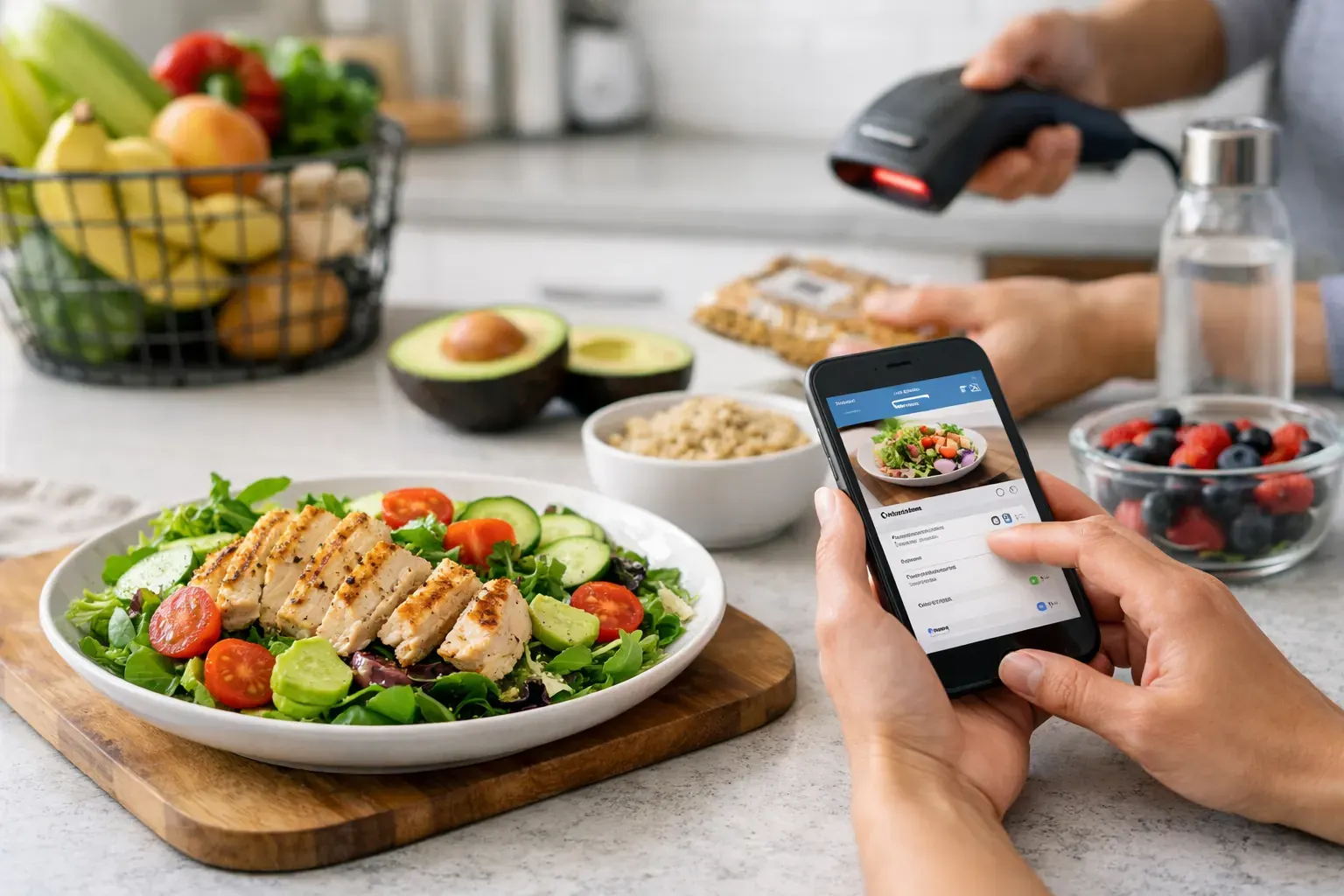
Photo recognition can save a surprising amount of time. If you can snap your meal and get a decent calorie estimate, you are far more likely to track consistently than if you have to search each item manually. It will not be perfect for every dish, especially mixed meals or restaurant plates, but for day-to-day use it can remove enough friction to keep the habit going.
Barcode scanning is equally useful, especially if your diet includes supermarket staples, snacks, protein products or ready meals. One scan is faster than typing, and speed matters more than people think.
Meal planning is often overlooked, but it solves a different problem. Tracking tells you what already happened. Planning helps you avoid the usual 6 pm decision fatigue that leads to overspending your calories. A simple 7-day plan, even if you change parts of it, gives structure without turning your week into a rigid programme.
Food history also has more value than many people realise. When an app stores meals in a calendar view, it becomes easier to spot patterns. Maybe Fridays always run high. Maybe lunches are fine but evening snacks add up. Progress usually improves when your habits become visible.
And then there is reporting. This sounds less exciting, but exportable reports can be genuinely useful if you want a cleaner record of your intake, share progress with a coach or simply keep yourself accountable in a more formal way.
The trade-off between accuracy and consistency
People often search for the most accurate calorie app, but that can be the wrong goal. Accuracy matters, of course, yet there is no point using a highly detailed system if you hate it and stop after five days.
Most adults do better with an app that is accurate enough and easy enough. Packaged foods can be logged fairly precisely. Home-cooked meals involve more estimation. Eating out is always less exact. That is normal. The aim is not laboratory perfection. The aim is to build a pattern where your intake is tracked consistently enough to guide better decisions.
This is why simpler systems tend to work well over time. When an app frames calories as a daily budget rather than a moral test, it becomes easier to stick with. You are not trying to be flawless. You are trying to stay within range often enough to create progress.
If you are an iPhone user, keep it mobile-first
If you track on your phone, the app should feel designed for that from the start. Not squeezed down from a desktop product, and not overloaded with features you will never use.
A good iPhone calorie app should let you log meals in seconds while standing in a queue, sitting on a train or eating at your desk. That means quick taps, clean screens and features that match everyday behaviour. Snap meals, scan barcodes, build a sustainable deficit. That is the level of practicality most people need.
This is also where specialised tools can stand out. Calorie Bank Credit, for example, applies a budgeting model to calorie tracking, which makes the whole process easier to understand at a glance. Instead of feeling like you are being judged by a diet app, you are managing a daily calorie balance. For people who find traditional trackers too fussy or too restrictive, that shift can make the habit feel far more manageable.
How to choose the right app for your routine
If you are still asking what app can I use to track my calories, start with your sticking point rather than a feature checklist.
If you usually forget to log, choose the fastest logger. If you get bored entering meals, prioritise photo recognition and saved history. If you regularly go over because you decide food at the last minute, choose an app with built-in planning. If you want clearer accountability, look for progress views and reports.
It also helps to be honest about your tolerance for detail. Some people enjoy tracking macros, building recipes and checking trends daily. Others simply want to know whether breakfast, lunch and dinner fit the budget. Neither approach is wrong. The best app is the one that matches your real behaviour rather than your ideal version of yourself.
A useful test is this: can you imagine using the app when you are tired, busy or slightly off plan? If yes, it is probably a good fit. If it already feels demanding before you begin, it is unlikely to last.
Common mistakes when picking a calorie app
One mistake is choosing based on the longest feature list. More tools do not always mean better results. If the app feels cluttered, important actions become slower.
Another is assuming motivation will carry the process. It rarely does. What keeps tracking going is convenience. The less effort it takes to log and plan, the more likely you are to keep doing it.
The final mistake is treating the app as the whole solution. An app supports weight management, but it cannot do the routine for you. What it can do is make good choices easier, bad patterns more visible and consistency less draining.
That is a strong return on a small daily habit. A few quick entries, a clear calorie budget and a plan for tomorrow are often enough to turn vague good intentions into measurable progress.
If you are choosing a calorie tracker now, do not look for the app that promises perfection. Look for the one that helps you stay aware, stay consistent and keep moving when life gets messy. That is usually the app that earns a place on your home screen.