
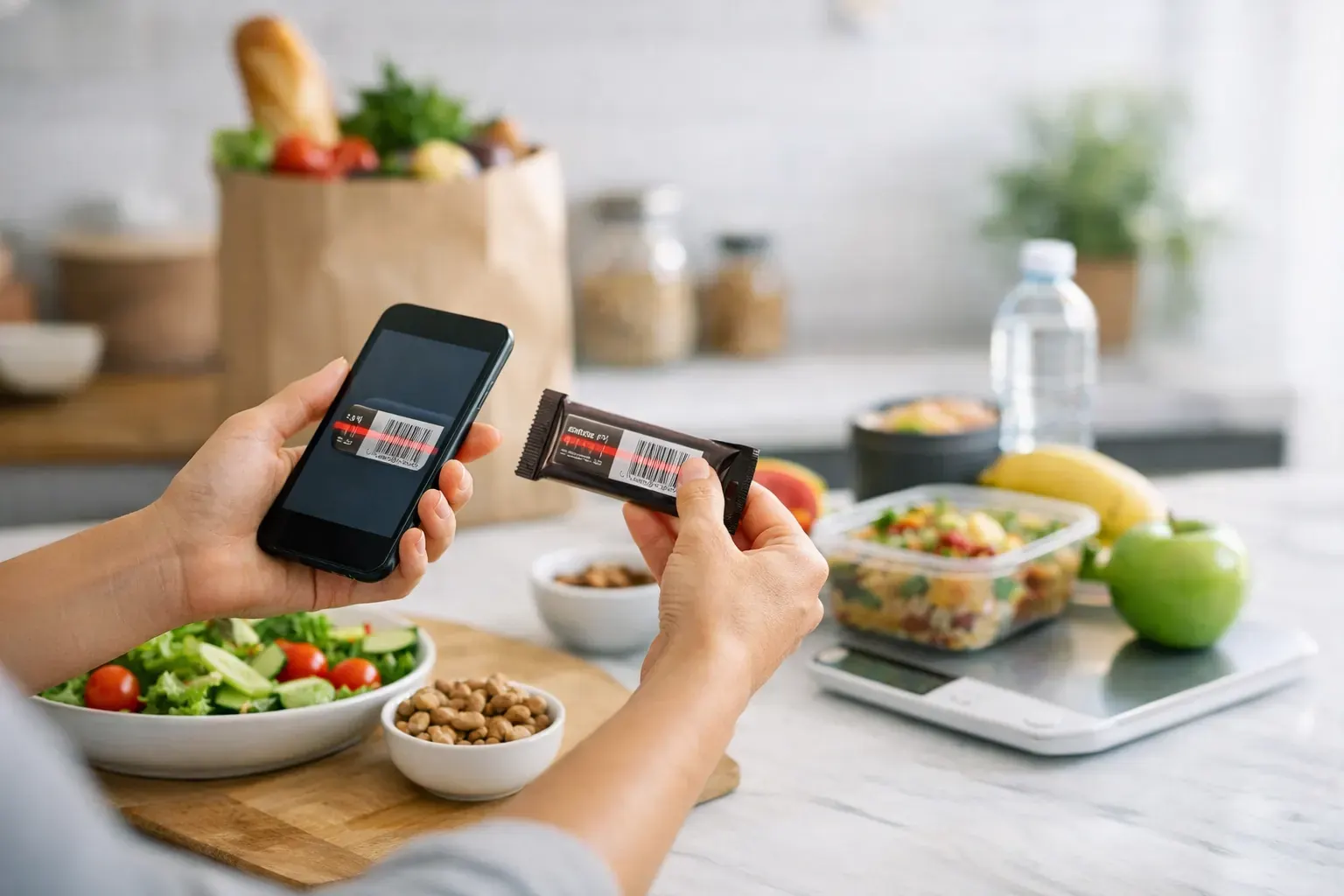
A food label should take seconds to log, not become a maths problem in the supermarket aisle. That is why the best barcode scanner food apps matter - they cut out manual entry, reduce guesswork and help you stay within your daily calorie budget without turning every shop into admin.
For most people, the win is not just speed. It is consistency. If scanning a yoghurt, ready meal or protein bar takes one tap, you are far more likely to log it accurately and keep your intake under control across the week. That is where a good app earns its place - not by offering the most features on paper, but by making tracking feel light enough to keep doing.
What makes the best barcode scanner food apps worth using?
A barcode scanner sounds simple, but the gap between a decent one and a frustrating one is huge. The best apps recognise products quickly, pull in serving sizes that make sense, and let you adjust portions without forcing you through five extra screens.
Accuracy matters too. Packaged food databases can vary, and not every app handles missing or outdated entries well. Some rely heavily on user-added data, which can be helpful for coverage but messy for reliability. Others focus on cleaner verification but may miss smaller UK supermarket products. If you buy a lot of own-brand items, this trade-off matters.
The better question is not just, "Does it scan?" It is, "What happens after it scans?" A useful app should help you log the item, understand how it fits into your day, and move on. If the scanner is fast but the rest of the workflow is clunky, you still end up spending more time than you want.
9 best barcode scanner food apps for easier tracking
1. Calorie Bank Credit
If you want food logging to feel more structured and less punishing, this stands out. Rather than framing every meal as a pass or fail moment, it turns your intake into a daily calorie budget, which is much easier to manage in real life. Scan a packaged food, see where it sits in your Calorie Credit, and make the next decision with more control.
That budgeting model is especially helpful if you have bounced off traditional calorie apps before. The barcode scanner is only part of the value. You can also snap meals, generate a 7-day plan, build recipes from ingredients and review your history in a calendar view. For iPhone users who want quick logging with a clearer system around it, it feels practical rather than preachy.
2. MyFitnessPal
MyFitnessPal is still one of the most recognised names in calorie tracking, largely because its food database is enormous. If your main goal is to scan almost anything and get a result quickly, it usually performs well. That breadth is useful for branded products, especially if your shopping basket changes often.
The trade-off is data quality. Because the database includes lots of user-submitted entries, you may occasionally find duplicates or nutrition figures that need a second look. If you are comfortable checking labels when something seems off, it can still be a strong option. If you want a cleaner, more guided experience, it may feel a bit busy.
3. Lifesum
Lifesum leans more heavily into lifestyle and meal guidance than pure logging, and that suits people who want a softer entry point. Its barcode scanning is straightforward, and the app design tends to feel cleaner than more data-dense trackers.
Where it works best is for users who like a bit of encouragement without too much detail. Where it can feel limiting is if you want highly granular control over calories, macros and historical reporting. It is polished, but some users may outgrow it if they want tighter tracking discipline.
4. Yazio
Yazio is a solid middle ground. It gives you barcode scanning, calorie tracking and meal planning in a layout that is easy to navigate. For beginners, that matters. You do not want your first week of logging to feel like learning accounting software.
It also presents progress in a clear way, which helps with habit-building. The slight downside is that some of its more useful tools sit behind premium access, so the free version can feel a bit narrow depending on what you need. Still, for a simple daily workflow, it does a lot well.
5. Lose It!
Lose It! is built around weight-loss tracking, and it often appeals to people who want fast logging with visible goals. The barcode scanner is generally quick, and the app does a good job of keeping the process moving rather than overcomplicating each entry.
Its strength is usability. Its weakness, for some, is nuance. If you like a simple target and straightforward progress charts, it works. If you want your app to help you think more strategically about planning meals across the week, it may feel more reactive than proactive.
6. Cronometer
Cronometer is the app for people who want detail. If calories alone are not enough and you care about vitamins, minerals and macro precision, it is one of the strongest options. The barcode scanner is useful, but the real value is what sits behind the scan - a much deeper nutritional breakdown.
That depth is not for everyone. Busy users who just want to scan lunch and get on with their day may find it more than they need. But if you are highly data-driven, it offers more clarity than most mainstream apps.
7. Nutracheck
For UK users, Nutracheck often feels more locally relevant than larger global apps. That can make a real difference when scanning products from British supermarkets, where database coverage and familiar portion references matter.
It is especially useful if you want a weight-loss app that feels tailored to everyday UK food shopping rather than imported from a US-first system. The main consideration is whether you prefer a broader wellness platform or a more focused tracking tool. Nutracheck tends to do the latter well.
8. Fooducate
Fooducate takes a slightly different angle by combining scanning with food quality cues and ingredient-based judgement. That can be helpful if you are not only watching calories but also trying to compare products more critically.
The trade-off is that not everyone wants an app making broader health calls about what is "better". For some people, that is motivating. For others, it adds noise to a decision that should stay simple. If your priority is staying in a calorie deficit with minimal friction, it may not be the best fit.
9. MyNetDiary
MyNetDiary is often underrated. It offers a clean interface, reliable logging and a barcode scanner that is generally quick and easy to use. It does not have quite the same brand recognition as some rivals, but it is often more streamlined in practice.
It suits users who want a capable tracker without too much clutter. The app balances guidance and control well, though some people may still prefer a more distinctive system for managing their calorie targets rather than a standard tracking format.
How to choose the best barcode scanner food apps for your routine
Start with the kind of friction you want to remove. If your main problem is forgetting to log packaged foods, any fast scanner will help. If your bigger issue is staying consistent across the whole week, look for an app that connects scanning to meal planning, history and progress.
Database quality should sit near the top of your checklist. A huge database sounds impressive, but if too many entries are inaccurate, you spend your time checking numbers anyway. For UK shoppers, local food coverage can be more useful than sheer scale.
Then consider the app's philosophy. Some tools are built around strict tracking, some around coaching, and some around making calorie control easier to understand. That difference matters more than most feature lists suggest. The right app should match how you think, not force you into a system that feels tiring by day three.
When a barcode scanner is enough - and when it is not
Scanning works brilliantly for packaged foods, meal deals, snacks and cupboard staples. It is less helpful for café meals, homemade dinners or anything without a label. That is why the strongest apps do more than scan. They let you photograph meals, save common foods, estimate portions and plan ahead.
This is where many people lose momentum. They choose an app based on one flashy feature, then realise half their real-life eating does not fit neatly into that tool. A barcode scanner should speed up tracking, not become the whole strategy.
If you eat a mix of packaged foods and home-cooked meals, look for an app that handles both without creating extra work. That balance tends to matter more than whether the scanner itself is a fraction faster.
The best choice depends on how you want to stay accountable
If you love detail, Cronometer may suit you. If you want broad database coverage, MyFitnessPal still has an edge. If UK relevance matters most, Nutracheck is worth serious consideration. But if you want an iPhone-first system that makes calorie control feel clearer, quicker and easier to stick to, an app built around a daily budget can be more effective than a standard logbook.
That is the real test for the best barcode scanner food apps. Not whether they impress you on day one, but whether they help you keep logging on a busy Wednesday, after a late shop, when motivation is average and real life is in the way. Choose the app that makes that moment easier, and the results usually follow.