
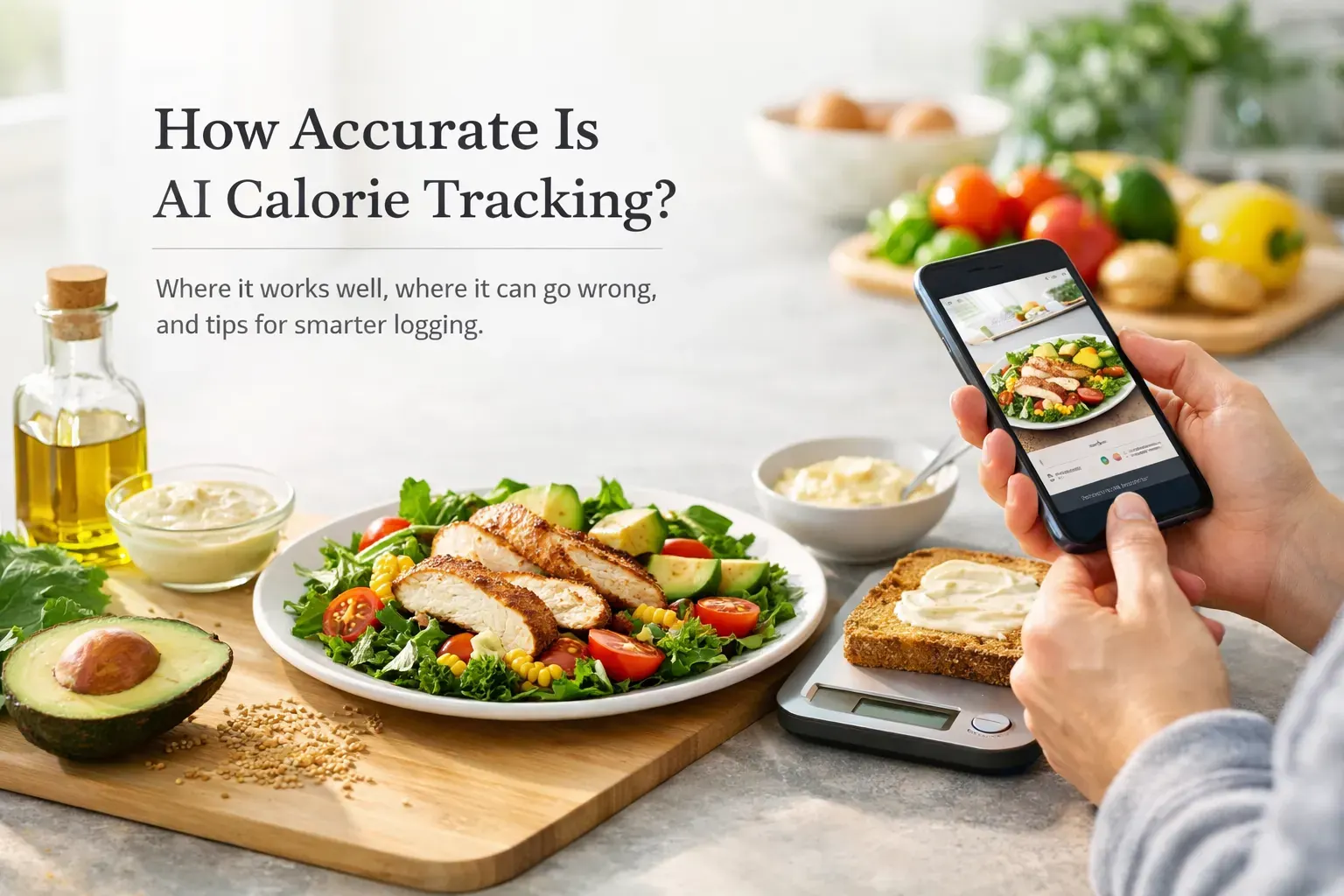
If you have ever snapped a photo of lunch and wondered whether the app counted the olive oil or the extra spoon of mayo, you are asking the right question. How accurate is AI calorie tracking? In everyday use, it can be a helpful estimator—especially for simple or packaged items—but results vary and it still benefits from human judgment.
Educational only: The information below is for general education and not a substitute for personalized medical or nutrition advice. If you have a medical condition (for example, diabetes, kidney disease, GI disorders), are an athlete with precise targets, or have a current or past eating disorder, consider guidance from a qualified professional. If tracking feels stressful or unhelpful, it is okay to use other approaches. See our Support page for help using Calorie Bank Credit features.
How accurate is AI calorie tracking in real life?
AI-enabled logging often works best for:
- Simple, recognizable foods (for example, eggs on toast, a bowl of oats)
- Packaged products with barcodes and clear labels
It is more variable for:
- Mixed dishes (curries, casseroles, burritos, wraps, loaded salads)
- Restaurant meals where added fats, sugars, and portion sizes are not obvious from an image
Think of AI as a budgeting aid, not a lab instrument. If your logs are directionally accurate and consistent, they can still help you manage your Calorie Credit (your daily energy budget in the app), notice patterns, and make steady, sustainable adjustments over time.
Where AI works best
- Clear visuals: Plates with distinct items (for example, chicken, rice, broccoli) are easier to identify.
- Barcode scanning: Scanning packaged foods can reduce guesswork by pulling Nutrition Facts data. Always compare the in-app entry to the physical label and update if it does not match. See the FDA guide to reading labels: How to Understand and Use the Nutrition Facts Label.
- Database cross-checks: When labels are not available, you can compare against reputable food databases, such as USDA FoodData Central.
Common ways AI gets it wrong
- Portion size estimation: A photo rarely shows exactly how much you ate or how the food was prepared (for example, the amount of oil in a pan). Understanding serving sizes can help recalibrate expectations; see the FDA overview on serving size on the Nutrition Facts label.
- Mixed or sauced dishes: Stews, casseroles, burritos, and bowls hide ingredients and added fats that are not obvious visually.
- Restaurant variability: Recipes, portions, and preparation methods can vary by location and change over time, so estimates may not reflect the exact plate you receive.
- Outdated entries: Nutrition databases and barcode items can be out of date or differ by region. When possible, check the on-package label and adjust the entry if needed.
Hidden calories are common budget leaks
- Oils and butter used in cooking or at the table
- Dressings, sauces, spreads, dips, mayo
- Alcoholic drinks
- Sweetened beverages (sodas, specialty coffees, sweet teas); see CDC guidance on healthy choices in Healthy Eating
- Tastings while cooking and small snacks between meals
AI can be a great first draft, but a quick human sense-check for these add-ons protects the quality of your daily total.
AI vs manual calorie tracking
- Manual entry: Can be precise if you weigh foods, read labels carefully, and pick accurate database items—but it takes time and effort to maintain daily.
- AI-assisted entry: Reduces friction by recognizing foods and letting you scan barcodes. Many people find lower-friction methods easier to stick with day to day.
Whichever method you choose, sustainable habits matter most. For general tips on building healthy patterns, see NIDDK: Choosing a Safe and Successful Weight-Loss Program and the CDC’s overview of Healthy Eating.
How to make AI calorie tracking more accurate
- Take clearer photos: Good lighting, one plate in view, and fewer visual distractions help identification.
- Use barcodes when available: Then compare the app’s entry to the Nutrition Facts label and adjust serving size to match what you ate. See the FDA’s label guide: Nutrition Facts Label.
- Sense-check portions: Weighing a few staple foods for a short period can recalibrate your eye. Learn how “serving size” on labels relates to the amount you actually eat: FDA Serving Size.
- Edit obvious misses: If the app logs a “chicken wrap,” add the fries and mayo if they were part of the meal. If you had a soda or beer, include it.
- Cross-check when labels are missing: Compare similar items in USDA FoodData Central and pick the closest match, then adjust for your portion.
- Save frequent meals: Reusing accurate entries for your regular breakfasts, lunches, or snacks reduces future guesswork.
Barcode and database notes
- Products change; entries can lag. If a barcode entry does not match the package, rely on the physical label and update the serving in your log.
- Regional differences exist. Similar products may have different formulations by country or retailer.
- When possible, keep a photo of the Nutrition Facts label for reference.
Weekly trends over single-meal precision
One estimate being off rarely changes your long-term pattern. Repeating the same undercount daily does. Focus on:
- Consistency across the week
- Reviewing repeat meals for hidden extras
- Tracking beverages alongside meals
If progress stalls, re-check portion sizes against labels or a scale, re-verify common items against labels or USDA FoodData Central, revisit hidden add-ons, or consult a registered dietitian or healthcare professional.
Who might benefit most
- Busy schedules: People who want structure without heavy admin, especially if you eat a mix of simple breakfasts, repeat lunches, and some packaged items.
- Beginners: Those who find traditional logging too time-consuming and want a lower-friction way to learn about their intake.
- More precision needed? Athletes in strict phases or anyone with medical nutrition needs may prefer extra manual checks or support from a registered dietitian or healthcare professional.
At Calorie Bank Credit, the practical value is speed and consistency: snap meals, scan barcodes, check your Calorie Credit, and keep moving. The easier it is to see your “spend,” the easier it is to stay accountable without turning food into a full-time task.
Quick FAQ
How accurate are AI calorie estimates?
They can be reasonable for simple or packaged foods but vary for mixed dishes and restaurant meals. Compare entries against the Nutrition Facts label when possible and edit obvious misses.
Is barcode scanning better than photos?
Scanning often reduces guesswork because it uses the product’s Nutrition Facts data. Always confirm the entry matches your package and adjust serving size. See the FDA’s label guide: Nutrition Facts Label.
How should I handle restaurant meals?
Add items that photos may miss (oils, dressings, sides, drinks). Portions and preparation vary, so consider using a comparable entry and noting sauces or extras separately.
What are the most commonly missed calories?
Oils, dressings, sauces, spreads, alcohol, sweetened drinks, and small bites while cooking. For general guidance on healthy beverage choices, see the CDC’s Healthy Eating page.
If you add photos: quick accessibility tips
- Use descriptive alt text if you share images (for example, “chicken salad with dressing on the side”).
- Keep filenames descriptive (for example, “grilled-chicken-salad-olive-oil.jpg”).
- Compress images so pages load quickly on mobile connections.
About this article
By Calorie Bank Credit Editorial Team
Editorial review: Registered Dietitian reviewer
Last reviewed: May 11, 2026
Sources and further reading
- FDA: How to Understand and Use the Nutrition Facts Label
- FDA: Serving Size on the Nutrition Facts Label
- USDA FoodData Central
- NIDDK: Choosing a Safe and Successful Weight-Loss Program
- CDC: Healthy Eating
For app help and product updates, visit Support or our Nutrition News page. Read our Privacy Policy to learn how we handle your data.