
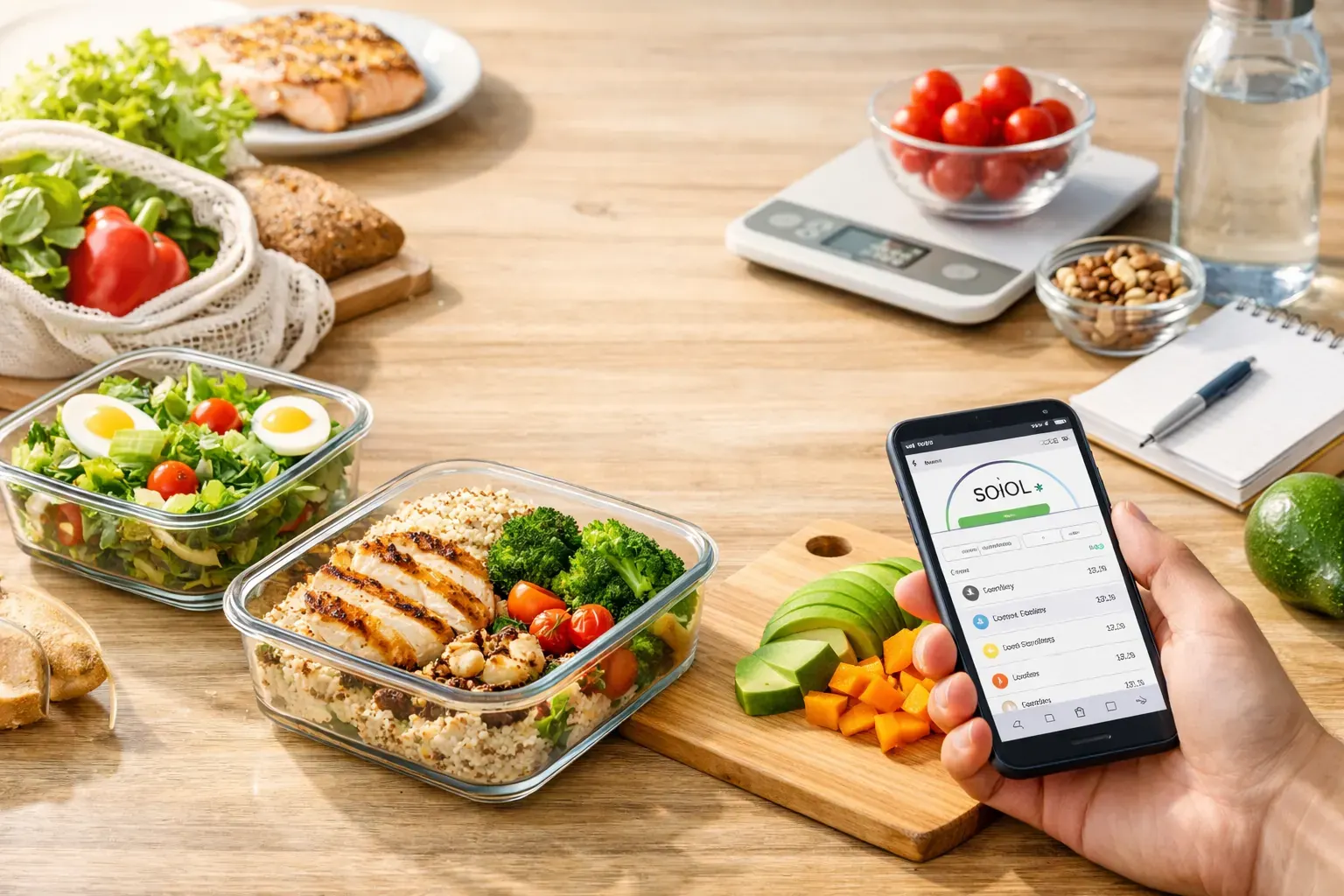
Picking a meal planning app sounds simple until you realise most of them are either too loose to keep you accountable or so demanding that you stop using them by Thursday. The best meal planning apps for weight loss sit in the middle. They help you plan meals you will actually eat, keep calories visible, and cut down the admin that usually makes weight loss feel like a second job.
That balance matters more than flashy features. If an app gives you beautiful recipes but no realistic way to track portions, it will not help much with fat loss. If it tracks every gram but makes planning slow and fiddly, consistency usually falls apart. For most people, the right app is the one that makes a calorie deficit easier to understand and easier to repeat.
What makes the best meal planning apps for weight loss?
A good meal planning app should do three jobs at once. First, it should help you decide what to eat before hunger makes the decision for you. Second, it should keep your calories in view without turning every meal into maths homework. Third, it should fit the way you live, whether that means batch cooking on Sunday, grabbing lunch between meetings, or scanning packaged food during a supermarket run.
The best options tend to share a few strengths. Fast logging matters. So does a clear daily calorie target, flexible meal swaps, and enough structure to stop guesswork. Features such as barcode scanning, food photo recognition, auto-generated meal plans and calendar history are especially useful because they reduce friction. Less typing usually means better adherence.
There is also a trade-off worth mentioning. Some apps are brilliant for recipe inspiration but weak on accountability. Others are excellent trackers but poor planners. If weight loss is the goal, planning and tracking need to work together. One without the other leaves gaps.
10 apps worth considering
1. Calorie Bank Credit
If you like clear numbers and low-effort planning, this is one of the strongest options for iPhone users. Instead of framing weight loss as restriction, it treats your daily intake like a calorie budget. That finance-style model is easy to grasp, especially if standard calorie counting has always felt abstract or punishing.
The practical value is in the workflow. You can snap meals, scan barcodes, generate a 7-day plan, build recipes from ingredients you already have, and review your food history in a calendar. That means less manual entry and faster decisions. For people who want structure without spending ages logging breakfast, that matters.
It is especially well suited to anyone who wants visible control and a straightforward deficit. If you prefer a highly community-driven app with lots of social features, it may feel more focused than chatty. But for disciplined, everyday use, the simplicity is a real strength.
2. MyFitnessPal
MyFitnessPal remains one of the best-known names for a reason. Its food database is huge, and it gives you plenty of control over calorie targets, macros and saved meals. If you eat a mix of homemade and packaged foods, that broad database can save time.
Where it works well for weight loss is basic accountability. You can plan ahead, log quickly and keep a close eye on intake. Where it can become frustrating is the amount of user-generated data. Entries are not always clean, and beginners can end up second-guessing which version of a food is right.
3. Lifesum
Lifesum is polished, friendly and visually strong. It is often a good fit for people who want meal planning to feel supportive rather than clinical. The app offers meal plans, recipe suggestions and a cleaner experience than some older tracking platforms.
Its main strength is usability. If you are overwhelmed by dense tracking apps, Lifesum feels easier to navigate. The trade-off is that some users may find it a bit lighter on deep customisation. It is helpful for building better routines, but very detail-oriented users may want more control.
4. Lose It!
Lose It! is designed around weight loss, and that focus shows. The app is generally quick to set up, easy to use and built to keep calorie tracking front and centre. It also includes barcode scanning and pattern tracking, which can help you spot where your intake drifts.
For busy users, speed is the appeal. It does not try to be everything. It gives you a target and keeps you moving. If you enjoy detailed meal planning from scratch, you may find it more tracking-led than planning-led, but for many people that simplicity is exactly why it works.
5. PlateJoy
PlateJoy leans more heavily into personalised meal planning. It asks about food preferences, dietary needs and household details, then generates plans and shopping lists to match. If your biggest weight-loss problem is deciding what to cook, this can remove a lot of friction.
The catch is that it suits people who cook regularly. If most of your meals are grabbed on the go, its planning depth may be more than you need. Still, for households trying to eat better without reinventing dinner every night, it can be genuinely useful.
6. Yazio
Yazio is another strong all-rounder for calorie tracking and meal planning. It has a clean layout, recipe ideas and progress tools that make it easier to stay engaged over time. Many users like that it feels modern without being overcomplicated.
For weight loss, its value comes from consistency. Logging is fairly straightforward, and the app gives enough structure to keep you aware of your intake. It may not stand out in one single category, but it does a lot of things well, which is often what people need most.
7. Mealime
Mealime is best for people who want faster dinners and less food waste. It builds meal plans around simple recipes and efficient shopping, which can help if takeaways and last-minute choices are derailing your calorie goals.
It is not as tracking-heavy as some dedicated calorie apps, so you may need to pair its planning benefits with a stronger logging habit. But if your main challenge is having no plan at 6 pm, Mealime solves a very real problem.
8. Eat This Much
Eat This Much is built around automated meal plans. You set calorie goals and preferences, and it generates daily eating plans to match. That can be useful if decision fatigue is your biggest barrier.
The upside is obvious: less thinking. The downside is that automation can sometimes feel generic. If you are picky, have a changing schedule, or want more control over what appears on your plan, it may need more tweaking than expected.
9. Cronometer
Cronometer is often chosen by users who want more nutritional detail. It tracks calories, but it also goes deeper into micronutrients than most mainstream apps. If you care about the quality of your intake as much as the quantity, it has a lot to offer.
That said, it can feel more technical. For some users, that level of detail is motivating. For others, it adds friction. If your goal is simply to stay in a sustainable deficit, you may not need that much data every day.
10. Noom
Noom takes a behaviour-change approach, mixing food logging with coaching and psychology-based prompts. For people who struggle with emotional eating or all-or-nothing habits, that extra support can be helpful.
Its meal planning tools are not always the main attraction, though. If you want a straightforward app to plan meals and monitor calories quickly, Noom may feel more layered than necessary. It depends whether you need education and mindset support or just a cleaner daily system.
How to choose the best meal planning app for weight loss
Start with the point where you usually slip. If you know what to eat but never log it, choose an app that makes tracking nearly effortless. If you log faithfully but still end up ordering food because you did not plan dinner, prioritise meal generation and shopping support.
It also helps to be honest about your tolerance for admin. Some people enjoy adjusting macros and custom recipes. Others need something they can use in under a minute. There is no prize for picking the most advanced tool if a simpler one is the only one you will still be using next month.
Device matters too. If you are mostly on your iPhone, a mobile-first app with quick actions such as photo logging and barcode scanning will usually fit better than a platform that feels built for desktop-style tracking. Convenience is not a bonus feature. It is often the difference between a good intention and a repeatable habit.
A better question than which app is best
The better question is which app helps you stay consistent without feeling boxed in. Weight loss rarely fails because someone lacked information. More often, it fails because the process was too slow, too confusing or too rigid to keep going.
The best meal planning apps for weight loss reduce that drag. They help you see your daily budget, plan ahead, recover quickly from imperfect days and keep moving. That is what turns a calorie deficit from a short burst of effort into something you can actually live with.
Choose the app that makes the next meal easier, not the one that promises to change your life by Monday.