
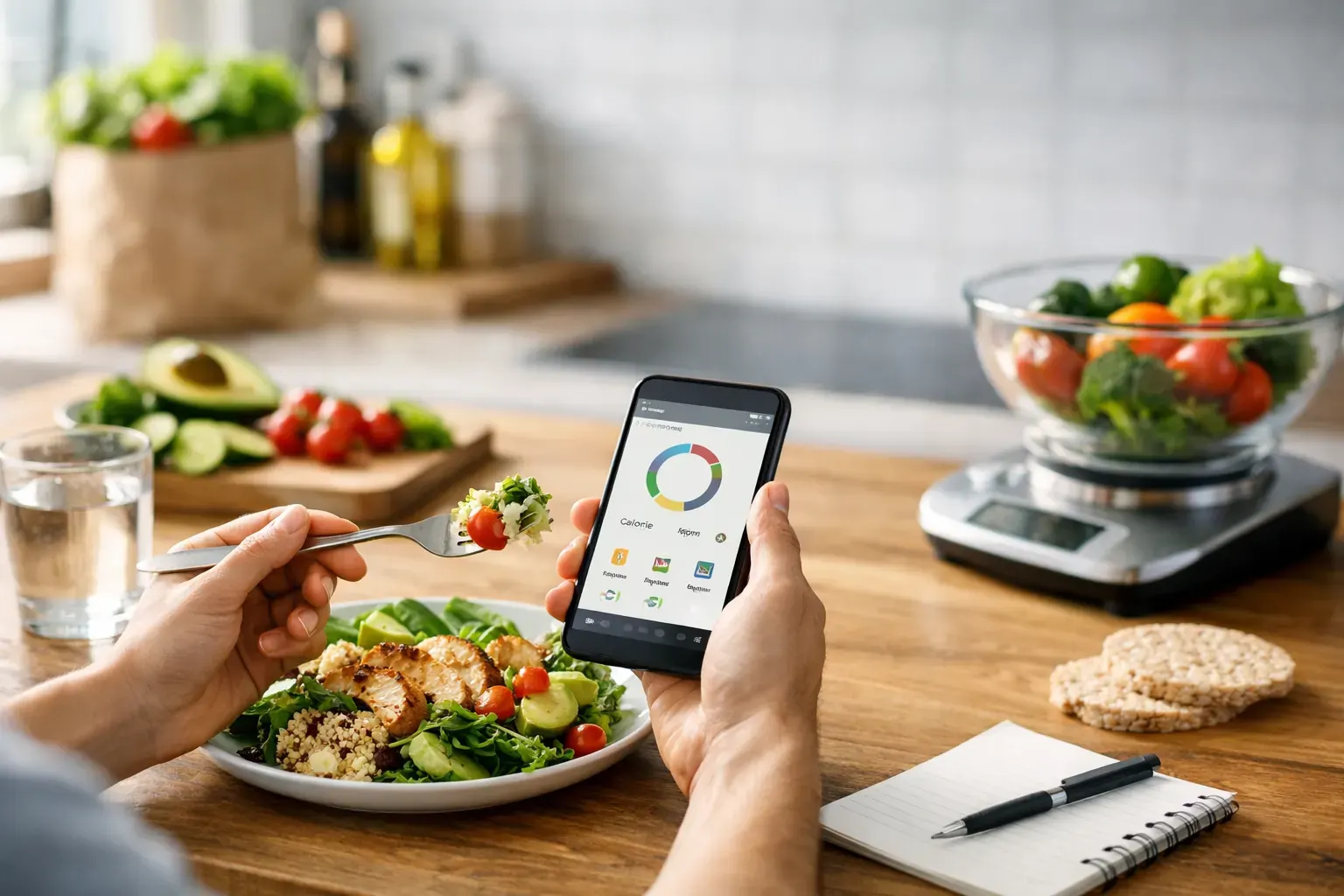
Some apps make weight loss feel like paperwork. You open them with good intentions, then get stuck searching for foods, guessing portions, and trying to decode charts that do not help you make a better choice at lunch. That is why looking at real weight loss tracking app examples matters. The right app does not just record what happened. It helps you stay on budget, spot patterns quickly, and keep moving without turning every meal into admin.
If you are comparing options, the useful question is not simply which app has the most features. It is which app makes consistency easiest on a busy Tuesday. For most people, that means fast logging, clear calorie visibility, practical planning, and progress data you can actually use.
What good weight loss tracking app examples have in common
The strongest weight loss tracking app examples usually solve the same problem in different ways - reducing friction. If logging breakfast takes three minutes and six taps, people stop doing it. If the app helps you snap a meal, scan a barcode, or repeat yesterday's lunch in seconds, adherence improves.
Good apps also make progress feel measurable rather than emotional. That means trends over time, not panic over one higher-calorie dinner. A useful tracker should help you understand your average intake, your likely calorie deficit, and how your habits connect to results.
There is also a trade-off. Some apps are powerful because they offer deep nutrition data, macro targets, fasting tools, exercise logs, and large food databases. But the more complex the system, the easier it is to abandon. Other apps keep things lighter and are better for beginners, though they may offer less custom detail.
8 weight loss tracking app examples worth knowing
1. MyFitnessPal
MyFitnessPal is often the first name people hear, largely because its food database is huge. That makes it useful for people who eat a mix of supermarket foods, chain restaurant meals, and homemade recipes. If your main goal is to find items quickly, that breadth can help.
The catch is that size does not always equal simplicity. Large databases can include duplicate or inconsistent entries, so users sometimes need to double-check accuracy. For people who like control and do not mind a little manual review, it can work well. For people who want a cleaner, more guided workflow, it may feel busy.
2. Lose It!
Lose It! tends to feel more focused on straightforward calorie tracking. The interface is generally approachable, and the app is often a comfortable middle ground for people who want structure without too much nutritional detail.
Its strength is accessibility. If you are newer to tracking and mainly want to log food, monitor weight, and keep an eye on your daily target, it can do the job without much learning curve. The trade-off is that some users eventually want more planning support rather than just recording intake.
3. Noom
Noom positions itself differently. It leans heavily into behaviour change and coaching, which can suit people who know what to eat in theory but struggle with consistency and habits.
That said, this approach is not for everyone. If you want a direct, efficient logging tool, the coaching model may feel more involved than necessary. Some users appreciate the psychological framing. Others simply want to see their calorie budget, log lunch, and get on with the day.
4. Cronometer
Cronometer is often chosen by users who want detailed nutrition insights, including vitamins and minerals as well as calories and macros. It is precise, and that precision is the point.
For some, that level of detail is reassuring. For others, it is too much screen time for a weekday meal. If your priority is nutrient analysis or a very specific dietary approach, it can be excellent. If your priority is speed and sustainability, it may feel more like an audit than a daily companion.
5. Simple
Simple is more closely associated with fasting support, though it also helps users monitor intake and routines. It can be attractive if your preferred structure is less about detailed calorie counting and more about eating windows and daily rhythm.
The limitation is obvious. Fasting tools can support weight loss, but they do not replace calorie awareness. If someone regularly eats above their needs during their eating window, fasting alone will not solve that. It works best for users who already know that this style suits their routine.
6. Lifesum
Lifesum tends to appeal to users who want a polished app experience with meal ideas, tracking tools, and a more lifestyle-oriented feel. It often presents healthy eating in a way that feels tidy and motivating.
That can be useful, especially for people who want inspiration alongside tracking. But style is not the same as stickiness. An attractive interface helps, yet the real test is whether it makes daily logging and planning easier when life gets messy.
7. Healthi
Healthi is popular with users who prefer a points-style system rather than a pure calorie framework. For people who find calorie numbers draining or overly clinical, that can make the process feel easier to follow.
Still, abstraction has limits. A points system may be simpler emotionally, but some users eventually want a clearer understanding of their actual intake and deficit. It depends on whether you prefer flexibility through simplification or clarity through direct numbers.
8. Calorie Bank Credit
A budgeting model can be especially effective for people who want weight management to feel practical rather than punishing. Calorie Bank Credit frames intake as a daily calorie credit, which gives users a more familiar way to manage decisions. Instead of seeing food tracking as a restrictive diet task, you are managing a daily spend.
That difference matters because it changes behaviour. Snap meals, scan barcodes, build a sustainable deficit, and see where your budget is going. For iPhone users who want quick logging, one-tap 7-day planning, recipe generation from ingredients, and exportable reports, this kind of setup reduces the usual friction. It suits people who want control without turning nutrition into a second job.
How to judge weight loss tracking app examples properly
When people compare apps, they often focus on brand familiarity first. A better way is to test the workflow. Can you log a homemade dinner quickly? Can you scan packaged food reliably? Can you repeat frequent meals without rebuilding them every time? If the answer is no, motivation will eventually lose to inconvenience.
Progress tracking matters too, but not all charts are equally helpful. The best tools show you enough to stay accountable without drowning you in data. Weight trends, calorie history, and a clear view of your average intake are usually more useful than a dashboard packed with metrics you never act on.
Meal planning is another divider. Many apps are decent at logging after the fact, but fewer help you make better decisions in advance. If you tend to struggle with what to eat at 6 pm, planning tools may do more for your results than another layer of nutrition statistics.
Which type of app is right for you?
If you are a beginner, a simpler tracker is often the better choice. You do not need every advanced metric on day one. You need something you will still use next month. That usually means a clear calorie target, fast food entry, and visible progress.
If you already track consistently and want to optimise, then a more detailed tool may suit you. Macro breakdowns, nutrient analysis, and deeper customisation become more valuable once the habit is established.
If your biggest issue is decision fatigue, choose an app that combines tracking with planning. Logging helps you account for the past. Planning helps you control the future. The difference sounds small, but in practice it changes how often you stay within your target.
The feature set that actually moves the needle
For most adults trying to lose weight, the high-value features are not glamorous. They are speed, repeatability, and clarity. Photo logging saves time. Barcode scanning reduces guesswork. Calendar-based food history helps you spot patterns. Weekly meal plans reduce impulsive eating. Exportable reports can be useful if you want a clearer record of progress or need to share it with a coach or clinician.
This is where many people go wrong when choosing an app. They download the one with the longest feature list, not the one that best supports their real routine. A strong app should fit around your life at work, at home, and on the move. If it demands too much concentration every time you eat, it is not efficient enough.
Weight loss works better when the process feels manageable. The best app examples prove the same point in different ways: when tracking is quick, planning is easier, and your progress is visible, staying in a calorie deficit becomes less confusing and far more doable.
Choose the app that makes the next meal easier to handle, not the one that looks most impressive on a comparison chart.